How to download and use Google Input Tools for Windows 11 – WindowsReport.com
Time-saving software and hardware expertise that helps 200M users yearly. Guiding you with how-to advice, news and tips to upgrade your tech life.
Follow us:
Let’s keep in touch!
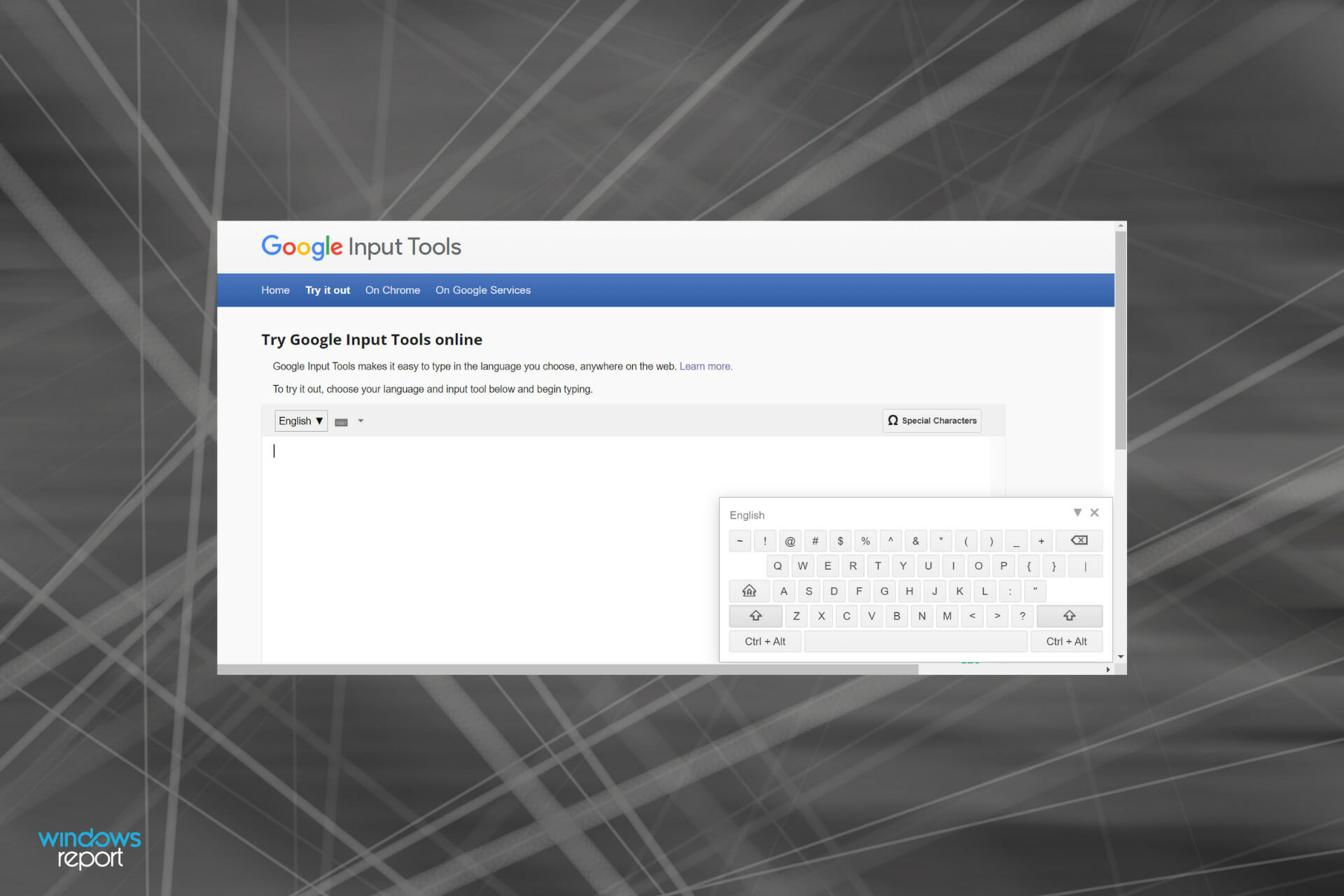
We have all at some point wanted to type in a language other than English, probably to get curated results on a search engine. But, in all likelihood, your system would only allow English. This is where Google Input Tools for Windows 11 comes into the picture.
The tool allows you to type in the desired language. It provides a virtual keyboard for over 90 languages and handwriting support to 50+ languages.
And the best part is that you don’t have to be fluent in that particular language since it works on the concept of transliteration. Apart from this major aspect, you have Input Method Editors (IME) that convert keystrokes into characters.
So, if you have been planning to get Google Input Tools for Windows 11, read the following sections to find how you can do that.
Google earlier allowed you to download the offline version of Input Tools in Windows, but that option is now missing from the official website and you can’t install it on your system.
That doesn’t mean you can’t use the tool anymore. Google still allows you to add Input Tools as a Chrome extension, and type in 90+ languages.
Though, users will certainly miss the download option for Windows. If and when it’s available again, we will update the article and add the steps for it. Bookmark this guide to stay updated.
After you follow the steps listed above, the Google Input Tools will now be added to Chrome and you can start using it in Windows 11.
Since Google has made a lot of changes, you cannot go ahead with the Google Hindi Input Tools download for Windows 11, but you can still type in Hindi, as seen in the last step above.
You now know how to get Google Input Tools in Windows 11 and use it. From now on, you can perform targeted searches for curated results or create documents in the desired language.
Also, discover the best Hindi typing software for Windows 11 and the previous iteration as well. These tools basically allow you to type Hindi by using your QWERTY English keyboard and doing so is easier than you might expect.
Have you completed the above procedures? Tell us your experience of using Google Input Tools in the comments section below.
Commenting as . Not you?
Getting a Runtime Error in Windows 11? Fix it now
How to reset taskbar settings in Windows 11
How to remove file association in Windows 11
Getting Windows 11's BCD error? Here's what to do
Follow us:
Let’s keep in touch!
Follow us:
Let’s keep in touch!