Microsoft Edge 98 is out with new Edge Bar for Windows 11, Windows 10 – WindowsLatest
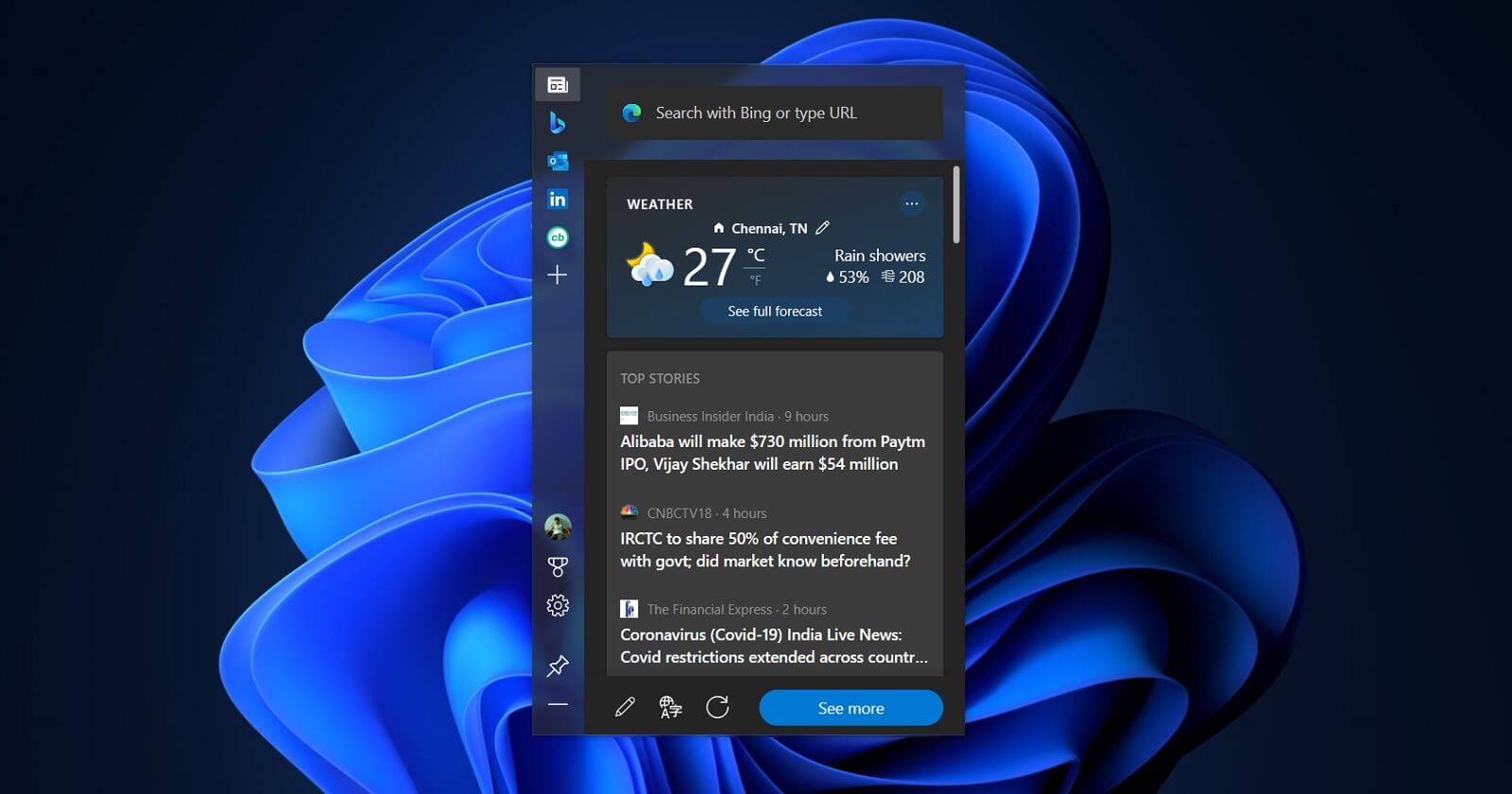
Microsoft Edge 98 is now available and it comes with a few new features, including support for “Edge Bar”. Microsoft has been testing Edge Bar for nearly a year now and it aims to make finding websites and surfing the web easier than ever on Windows 11 and Windows 10.
Microsoft Edge 98’s flagship feature “Edge Bar” is a floating and sticky widget that would make it easier to jump straight to your favourite websites straight. By default, Edge Bar gets pinned to the right side of the screen and it appears as a sidebar that can become part of your desktop.
The default panel of Edge Bar offers a personalized news feed and it’s similar to the News and Interests feed of Windows 10 or Windows 11’s Widget board. You can customize the feed to include updates on entertainment, sports, technology, stocks, and whatever else you’d like.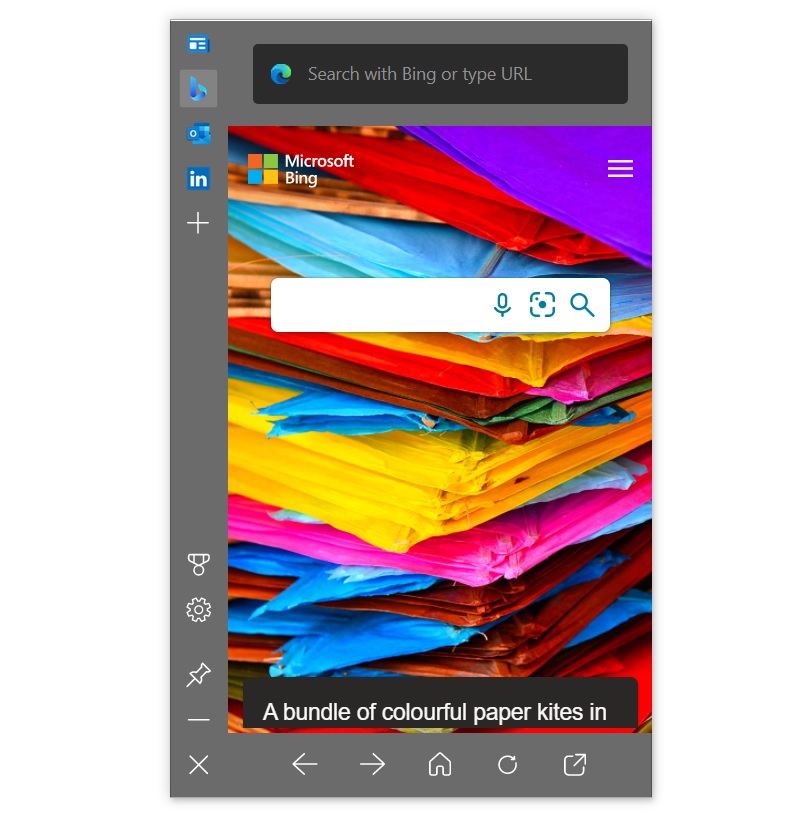
You can further customize the feed by liking a particular. You can also hide stories, use the like or dislike button to see more or less of a particular topic. As we mentioned, Edge Bar is a floating widget, so you can select and drag it to any area of the screen, and it will remember the location.
Of course, there’s a search bar powered by Bing, where you can easily search the web without having to open the browser. Edge Bar is customizable, which means you can add your own tab to the bar. For example, you can click on the plus icon to add a new feed to the Edge Bar.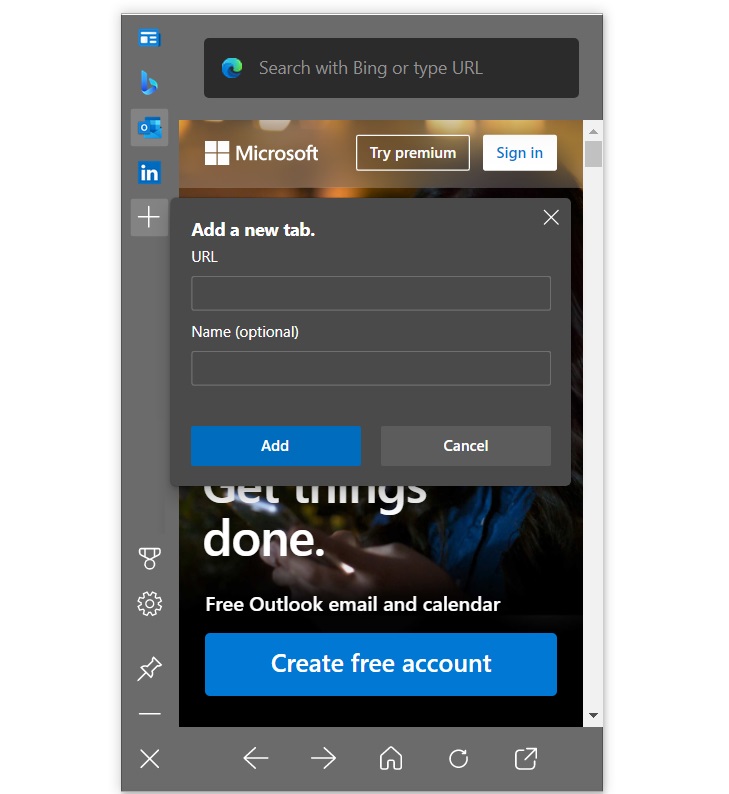
Tabs of Outlook, LinkedIn and Bing are available by default. You can also add Gmail or Yahoo.
Microsoft Edge Bar features:
You can try the feature by heading to Edge settings. In Edge, either locate the Edge Bar or use the search bar to find its settings. Select “Open Edge bar” to get started or just through the menu > More tools > Launch Edge bar.