
Windows 11 Accessories You're Going to Want – PCMag.com
Make the most out of the new features in Microsoft's latest OS with these add-ons.
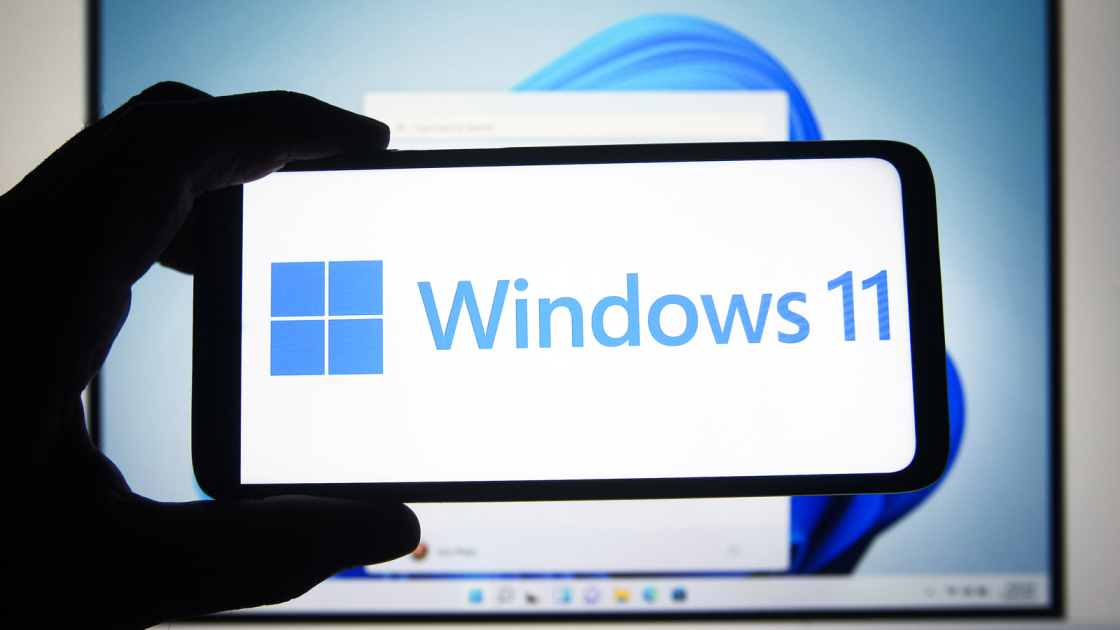
Windows 11 is the operating system that almost wasn’t. In 2015, Microsoft said that the numbering system for Windows would come to an end, but then this year we got an OS with a brand-new look anyway.
With a beautiful design, lots of window layout options, gamer-friendly features, improved multi-monitor support, and faster performance, it’s a PCMag Editors’ Choice-winning desktop operating system.
But what can you buy to enhance your experience with it? We’ve got some suggestions, including a pair of items to make your typing experience more ergonomic, some mobile solutions, and a way to keep your family and their devices a bit safer. You can find them all below and for all things Windows 11, we have you covered. And for gifts for everyone on your list, check out PCMag’s full holiday gift guide.
For Resting Your Wrists
If you’re spending all day typing away for work, you need the Microsoft Ergonomic Keyboard. Its shape keeps your hands in the perfect position for comfortable typing, there’s a generous fabric wrist rest, and it has shortcut keys for Office apps and other things. The keyboard can also be customized with the Microsoft Mouse and Keyboard Center app
For Some Light Typing
Sometimes you want to work on a desktop, but you miss that nice compact keyboard that you get on a laptop. That’s where the Microsoft Compact Keyboard comes in. It’s lightweight, wireless (it uses four CR2032 batteries), and super slim.
For Comfortable Clicking
Why let wires get in the way? The Microsoft Bluetooth Ergonomic Wireless Mouse has a minimalist look yet pairs with multiple devices. It comes in four colors (glacier, matte black, peach, and pastel blue).
For a Mouse That Leaves the House
The Microsoft Surface Mobile Mouse is the closest you can come to flat-packing a mouse. It has a low profile and fast pairing thanks to Microsoft’s Swift Pair technology.
For Daily Driving
The Microsoft Precision Mouse is the one you turn to when you need something solid to get you through the day. An aluminum scroll wheel makes touring the internet or dashing through documents a breeze, and it has three programmable buttons.
For a Monitor That Does It All
Windows 11 has improved multi-monitor functionality and if you take advantage of it, you might want to get the BenQ EX2780Q. It’s made for gaming but also has great sound, and its screen brightness changes automatically to adapt to room lighting.
For the Office
The perfect pairing for Windows 11 is obviously Microsoft’s suite of Office products. Microsoft 365 Personal gives you access to Microsoft Word, Excel, PowerPoint, OneNote, Outlook, and Skype. It’s PCMag’s Editors’ Choice document-editing suite.
For Families
Sometimes you need to limit the screen time and web browsing of the youngest in your household, and for that, there’s Microsoft Family Safety. While it runs on Windows, it’s also can be used on Android, Apple, and Xbox devices.
For more ideas on what to buy your friends and family, in any price range, keep tabs on PCMag’s full holiday gift guide.
Advertisement
Sign up for Lab Report to get the latest reviews and top product advice delivered right to your inbox.
This newsletter may contain advertising, deals, or affiliate links. Subscribing to a newsletter indicates your consent to our Terms of Use and Privacy Policy. You may unsubscribe from the newsletters at any time.
Your subscription has been confirmed. Keep an eye on your inbox!
Chandra Steele is a senior features writer which lets her write about absolutely anything if it connects to technology. Fortunately that’s everything. She also writes fiction, essays, and some other things. You can find her on Twitter at @ChanSteele.
PCMag.com is a leading authority on technology, delivering Labs-based, independent reviews of the latest products and services. Our expert industry analysis and practical solutions help you make better buying decisions and get more from technology.
© 1996-2022 Ziff Davis. PCMag Digital Group
PCMag, PCMag.com and PC Magazine are among the federally registered trademarks of Ziff Davis and may not be used by third parties without explicit permission. The display of third-party trademarks and trade names on this site does not necessarily indicate any affiliation or the endorsement of PCMag. If you click an affiliate link and buy a product or service, we may be paid a fee by that merchant.
