
Windows 11 Build 22509 released with new Start Menu features – WindowsLatest
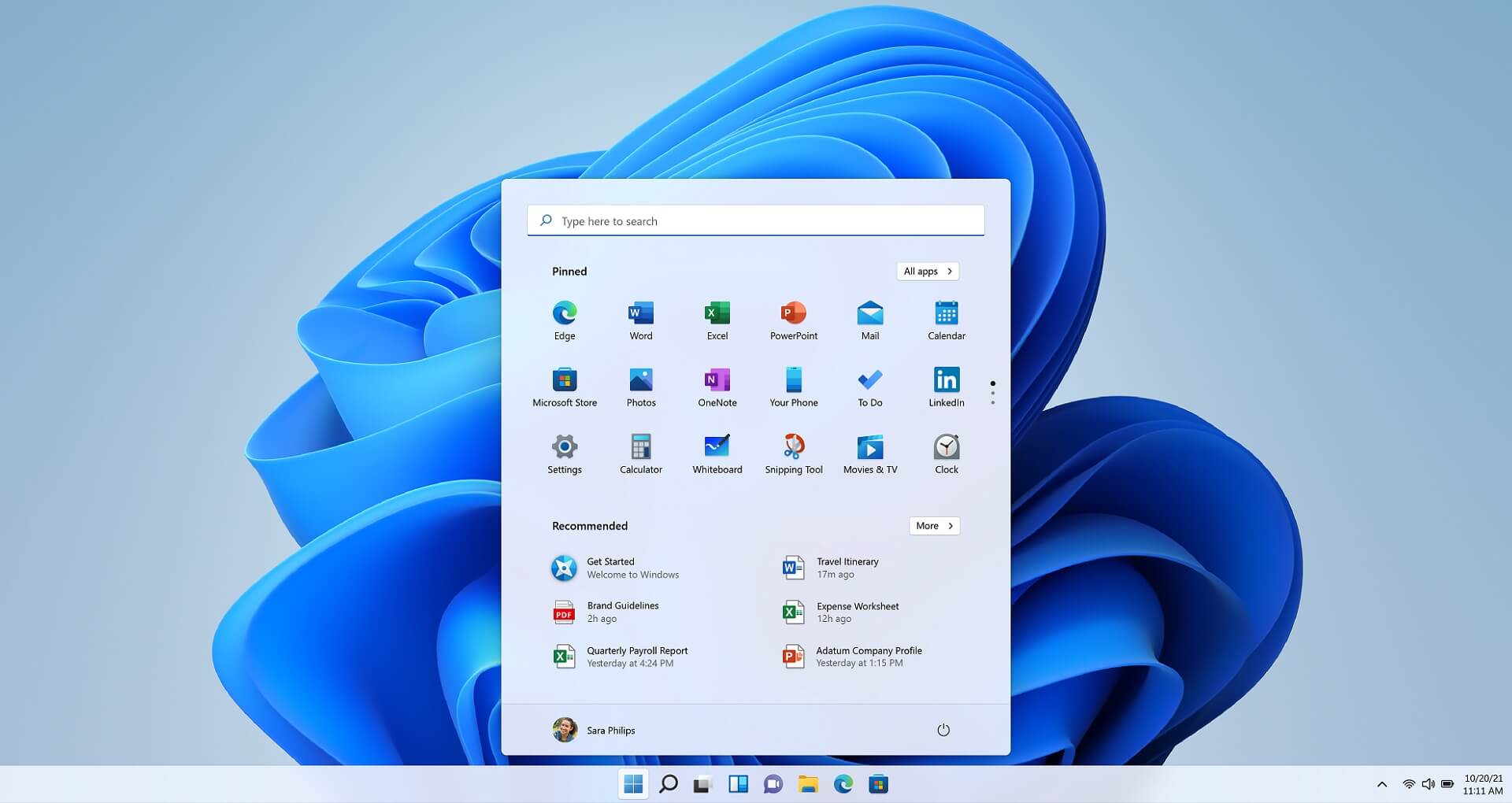
Windows 11 Build 22509 is now rolling out to testers enrolled in the company’s preview testing program (Dev Channel). This preview update comes with some much-needed quality improvements for Start Menu and Taskbar. With Build 22509, Microsoft is adding new customization features to the Start.
The update is simply called “Windows 11 Insider Preview 22509.1000 (rs_prerelease)” and it can be downloaded by heading to Windows Update. It’s worth pointing out that Microsoft has clarified changes included in the update are not tied to a specific release like October 2022 Update for Windows 11.
Windows 11’s preview update includes some much-needed improvements for the Start Menu. For example, we’re getting new options to change the layout for Start. Additionally, you will be able to view the clock and date on the taskbar of secondary monitors. This feature is currently missing in production builds.
It’s important to understand that Dev Channel includes builds from the active development branch of Windows. If you upgrade to newer builds, you won’t be able to downgrade to Beta, Release Preview Channel or stable builds. If you plan to go back to stable builds, you will need to use Media Creation Tool or download Windows 11 ISO.
Starting with Windows 11, Microsoft has done away with Live Tiles completely. Those shinny live tiles have been replaced with a scrollable list of pinned apps. Microsoft has dropped support for customization options and apps cannot be grouped at all, but you can unpin them.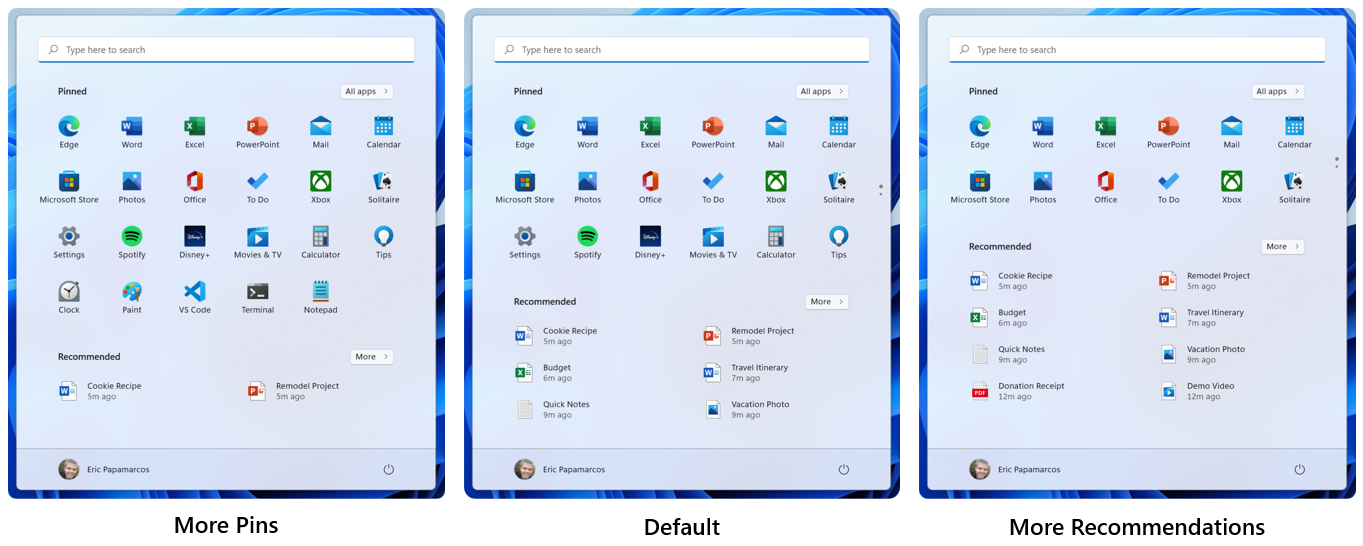
With Windows 11 Build 22509, Microsoft is now testing a new feature that will allow you to right-click on the Start to open a new settings popup. The new settings dropdown menu includes two new options called “More pins” and the “More recommendations” layout option.
Based on your preference, you can either select “More pins” or “more recommendations”.
As the name suggests, the first option “More pins” allows you to have more app shortcuts on the Start. On the other hand, the second option lets you configure Start to show more recommendations based on your preference. These new options will help show an extra row of pins or recommendations.
Other improvements in Windows 11 Build 22509:
To install Windows 11 Build 22509, try these steps:
